Post
Is the iPad a Complete Laptop Replacement? A Deep Dive Guide
Jun
Is the iPad a Complete Laptop Replacement? A Deep Dive Guide
Introduction Is the iPad a Complete Laptop Replacement
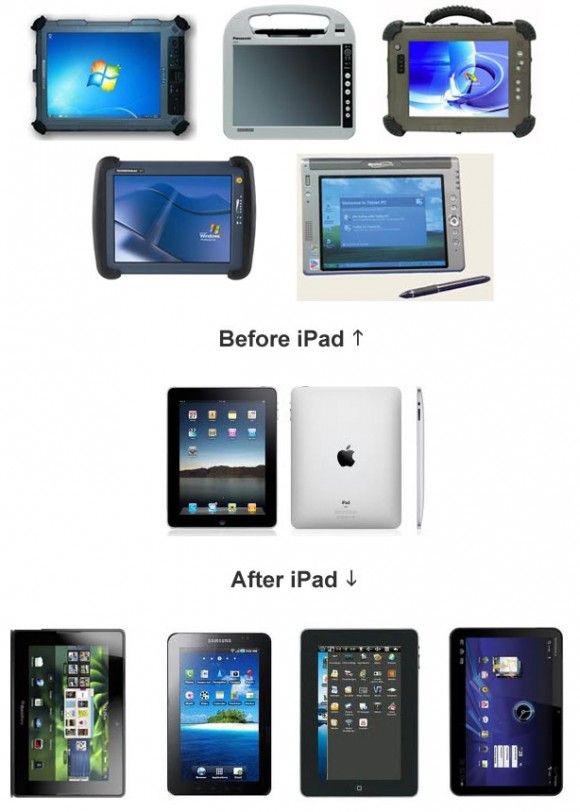
Since its introduction, the Apple iPad has evolved from a media consumption device into a powerful productivity machine capable of handling tasks that once required a traditional laptop. With desktop-class processors, advanced multitasking capabilities, keyboard accessories, and professional-grade applications, modern iPads have become increasingly attractive to students, professionals, creators, and business users alike.
However, a critical question remains: Can an iPad completely replace a laptop?
The answer depends largely on how you use your device. While many users can comfortably switch to an iPad for everyday tasks, others may still require the flexibility and power of a traditional laptop. This comprehensive guide explores the strengths, limitations, and real-world use cases of the iPad to help determine whether it can truly serve as a laptop replacement.
Learn more about the latest iPad lineup at:
The Evolution of the iPad


The modern iPad is significantly different from earlier generations.
Today’s models feature:
- Apple Silicon processors
- Advanced multitasking
- External display support
- Professional creative applications
- Desktop-class web browsing
- Keyboard and trackpad compatibility
Devices such as the iPad Pro and iPad Air now offer performance levels comparable to many laptops.
What Makes a Good Laptop Replacement?
Before evaluating the iPad, it’s important to understand what users expect from a laptop.
Most laptops are used for:
- Web browsing
- Office productivity
- Content creation
- Programming
- Video conferencing
- File management
- Multimedia editing
- Multitasking
To replace a laptop, the iPad must perform these tasks efficiently.
Where the iPad Excels
1. Exceptional Portability
One of the biggest advantages of the iPad is mobility.
Benefits
- Lightweight design
- Long battery life
- Instant wake-up
- Easy transportation
Students and travelers particularly appreciate its portability.
Compared to many laptops, an iPad can significantly reduce the weight of a daily carry setup.
2. Outstanding Battery Life
Modern iPads routinely provide all-day battery performance.
Advantages
- Less dependence on chargers
- Better travel experience
- Reliable productivity throughout the day
Many users report achieving a full day of work without needing to recharge.
3. Excellent Performance


Apple’s M-series chips have transformed iPad performance.
Tasks Handled Easily
- Web browsing
- Document editing
- Graphic design
- Photo editing
- Video editing
- Gaming
The latest iPads offer processing power that rivals many premium laptops.
4. Touchscreen and Apple Pencil Support
Traditional laptops cannot fully replicate the iPad experience.
Apple Pencil Advantages
The Apple Pencil Pro enables:
- Note-taking
- Sketching
- Illustration
- Annotation
- Handwriting recognition
For artists, designers, and students, this can be a game-changing feature.
5. High-Quality Applications
The iPad ecosystem includes powerful apps such as:
- Microsoft Word
- Microsoft Excel
- Adobe Lightroom
- Procreate
- DaVinci Resolve
Many professional workflows can now be completed entirely on an iPad.
Where the iPad Still Falls Short
1. File Management Limitations
Although the Files app has improved significantly, it still lacks some flexibility compared to desktop operating systems.
Challenges
- Complex folder management
- Certain file workflows
- External drive handling
Power users may find these limitations frustrating.
2. Software Compatibility
Some professional software simply isn’t available on iPadOS.
Common Examples
- Full desktop development environments
- Certain engineering tools
- Specialized enterprise applications
For some industries, this remains a major obstacle.
3. Multitasking Constraints


Apple has improved multitasking through features such as Stage Manager.
However, laptops still generally offer:
- More flexible window management
- Better multi-monitor workflows
- Greater desktop freedom
Heavy multitaskers may prefer traditional computers.
4. Programming and Software Development
Developers often rely on:
- Local servers
- Development tools
- Terminal access
- Virtual machines
While some coding can be performed on an iPad, professional software development remains significantly easier on laptops.
5. Professional IT and System Administration Tasks
Tasks such as:
- Network administration
- Server management
- Virtualization
- Cybersecurity testing
typically require desktop operating systems.
IT professionals often still need Windows, Linux, or macOS environments.
iPad vs Laptop for Students
For many students, an iPad can successfully replace a laptop.
Advantages
- Digital note-taking
- PDF annotation
- Online learning
- Research
- Portability
Students studying:
- Business
- Marketing
- Education
- Design
- Communications
often find the iPad more than sufficient.
However, computer science and engineering students may still need a traditional laptop.
iPad vs Laptop for Content Creators
Content creators are among the biggest beneficiaries of modern iPads.
Excellent For
- Photography
- Illustration
- Social media content
- Short-form video editing
- Graphic design
The combination of Apple Pencil and powerful creative software creates a unique workflow unavailable on most laptops.
iPad vs Laptop for Business Professionals
Business users typically perform:
- Email communication
- Video meetings
- Document editing
- Presentations
The iPad handles these tasks extremely well.
Paired with a keyboard accessory, it can serve as a capable productivity machine.
Essential Accessories for Laptop Replacement
To maximize productivity, consider:
Keyboard
- Magic Keyboard
Stylus
- Apple Pencil Pro
External Storage
Useful for large files and backups.
USB-C Hub
Expands connectivity options significantly.
These accessories help bridge the gap between tablet and laptop functionality.
Who Can Replace a Laptop with an iPad?
Likely Yes
- Students
- Writers
- Business professionals
- Frequent travelers
- Artists
- Content creators
Probably Not
- Software developers
- IT administrators
- Engineers
- Data scientists
- Advanced power users
These users often depend on desktop-class software and workflows.
The Future of iPad Productivity
Apple continues to narrow the gap between tablets and laptops.
Future improvements may include:
- Better multitasking
- Expanded software compatibility
- Enhanced external display support
- More desktop-class capabilities
Each generation moves the iPad closer to becoming a true laptop alternative for a broader audience.
Final Verdict: Can the iPad Replace a Laptop?
For many users, the answer is yes.
Modern iPads provide exceptional performance, portability, battery life, and productivity features that make them fully capable of handling everyday computing tasks. Students, business professionals, content creators, and casual users can often replace a laptop entirely with an iPad and enjoy a more flexible, mobile experience.
However, for users who rely on advanced software development tools, specialized professional applications, complex multitasking, or enterprise-level workflows, a traditional laptop still offers greater flexibility and capability.
Ultimately, the iPad is no longer just a tablet. For the right user, it has become a genuine laptop replacement. The key is understanding your workflow and choosing the device that best supports the tasks you perform every day.
